slow aerial flight through towering golden sunset clouds, god rays, epic scaleKling 3.0
Every flagship AI model.
One prompt box.
Kling 3.0, Hailuo 2.3, Seedance 2.0, Flux.2, Nano Banana Pro and 40 more — describe the scene and ClipMix turns it into a cinematic clip. No editing software, no five separate subscriptions.
30 free credits on signup — your first clip plus a batch of images, no card required
Every clip above was generated in ClipMix — the model is on the card, the prompt is the caption.
How it works
From idea to clip in three steps
No editing software. No learning curve.
Describe
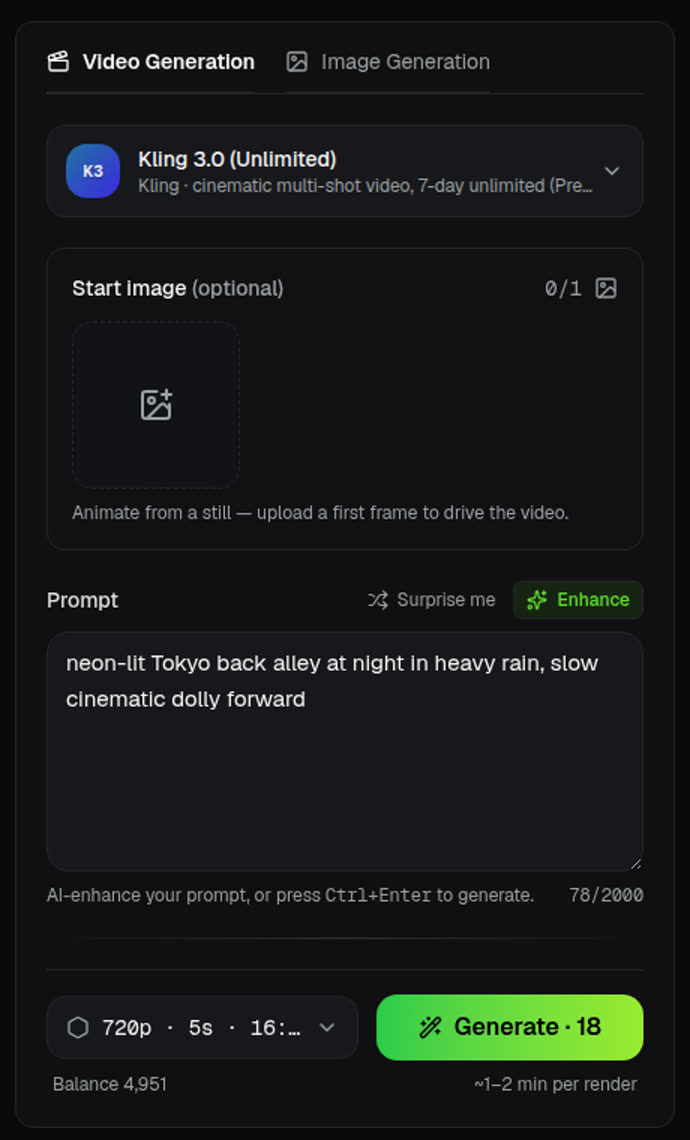
Type a scene — subject, shot, lighting, mood. Hit Enhance to add cinematic detail, or Surprise me for inspiration.
Generate
Pick any of 45 models and a format, and ClipMix renders in the background. Queue several at once — no waiting around.
Keep
Finished clips land in your library in full quality — yours to download and use commercially on paid plans.
The lineup
45 models. Zero extra subscriptions.
The latest image and video models, live in one place — pick a different one per generation, all on the same credit balance. Each tile below is that model's real output.
Video
Images
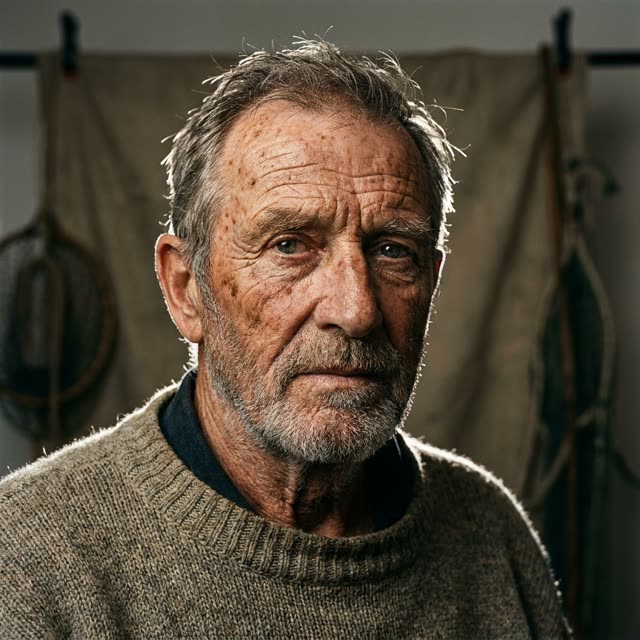
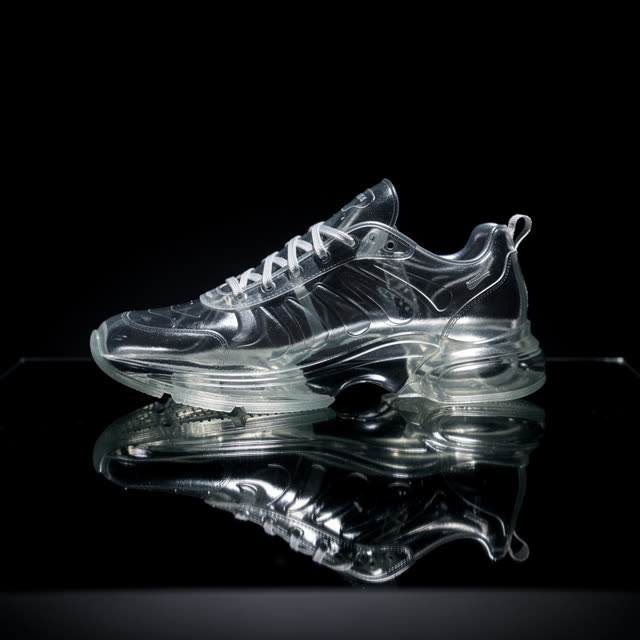

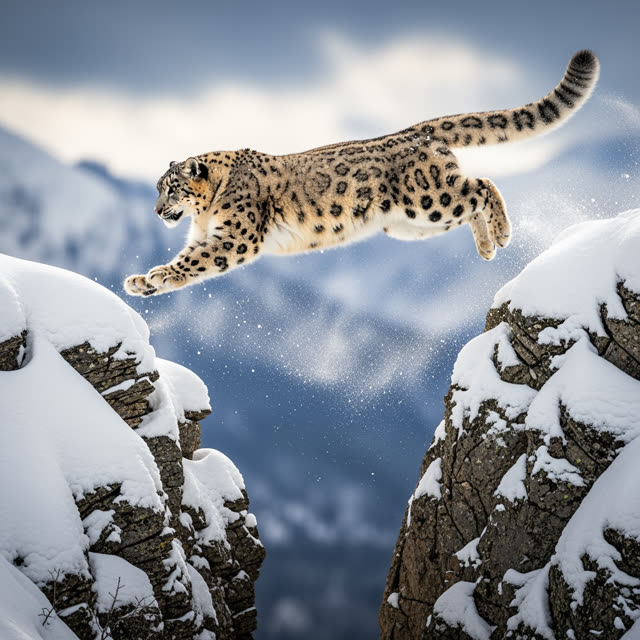
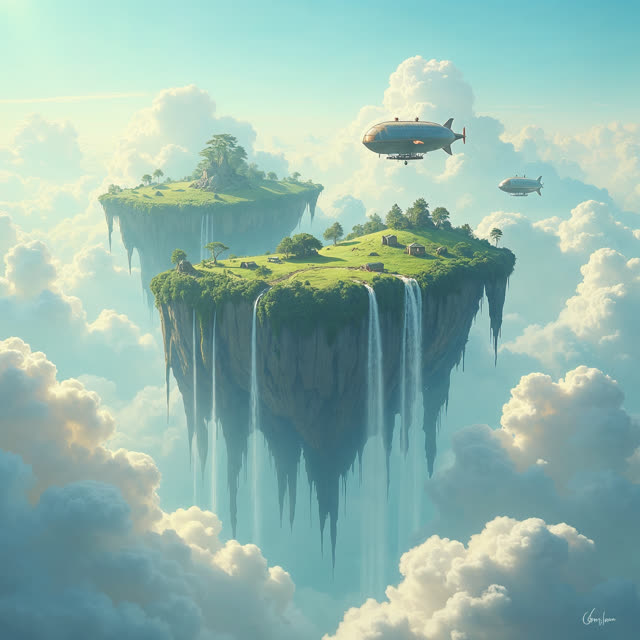

Plus Grok Imagine, Google Imagen 4, Flux.1 Kontext, Qwen, Z-Image and 28 more inside.
Subscribing to a video model, a second video model and a pro image suite separately runs well past $60/mo. ClipMix starts at $19/mo — one balance, every model.
The studio
Inside the studio
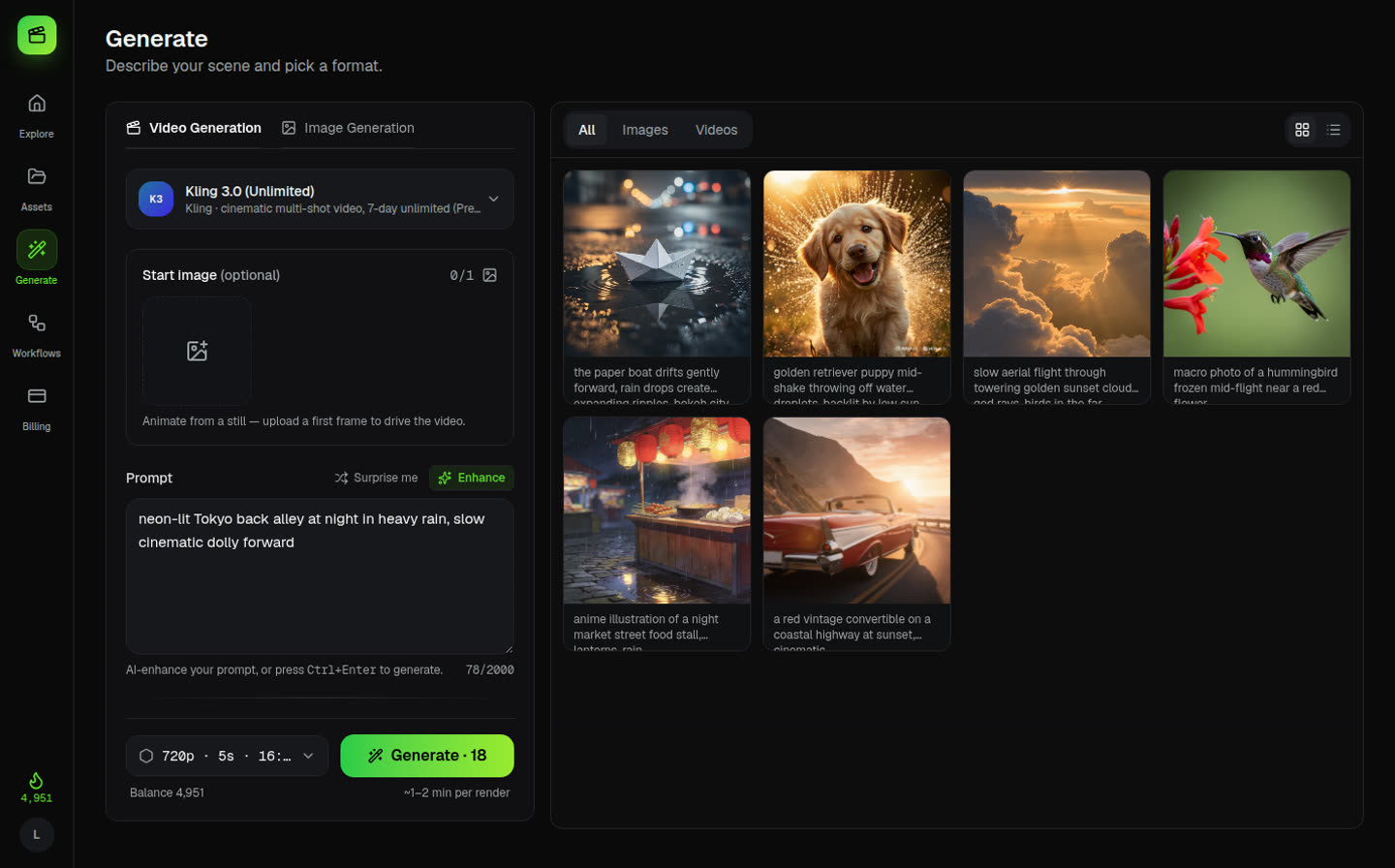
Pick a model, describe the scene, hit Generate. Renders queue in the background and stream into your library — this is the actual studio, not a mockup.
Workflows
Chain models into workflows
The output of one step feeds the next. Generate a still with an image model, then hand it to a video model to bring it to life — built on a visual canvas, no glue work.
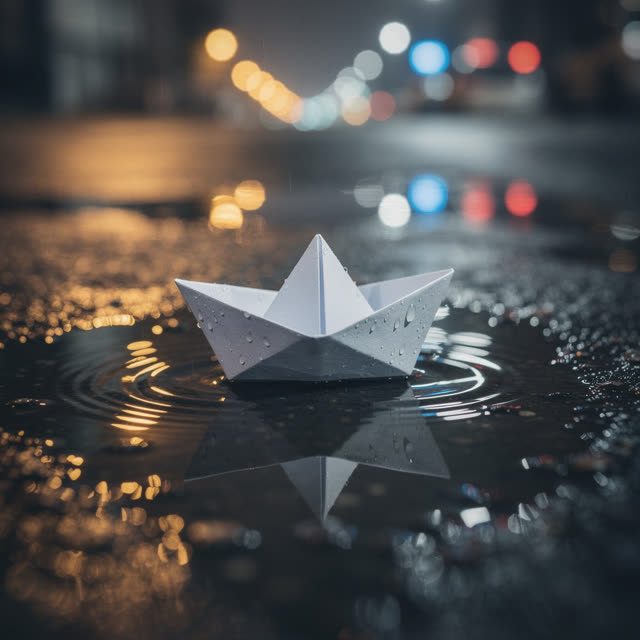
“a tiny paper sailboat floating on a rain puddle, city lights”
Capabilities
More than text-to-video
Start from words or a still — and never sit watching a spinner.
Video from text or a still
Clips up to 12 seconds in landscape or portrait. Upload a frame — or one you just generated — and image-to-video brings it to life.
37 image models on tap
Photoreal portraits, anime, product shots, typography, icons — the right model for each job, from the same prompt box.
Queue it and walk away
Renders run in the background and stream into your library. Failed ones auto-refund your credits, always.
Pricing
Simple, credit-based pricing
Start free. Every generation costs credits based on the model, resolution and length. Upgrade or top up whenever you need more — cancel anytime.
Prices in USD. Monthly credits refresh each billing cycle.
One-off credit packs
No subscription — credits never expire.
What a credit gets you
Exact cost depends on model & settings — a guide:
Failed generations are refunded automatically.
FAQ
Questions, answered
Which AI models does ClipMix include?
45 models in one studio: video from Kling 3.0, Kling 2.5, Hailuo 2.3, Seedance 2.0 and Grok Imagine; images from Nano Banana Pro, Flux.2 Pro, Seedream 4.5, Google Imagen 4, Mystic, Ideogram, Recraft and 30 more. One credit balance covers all of them — no separate subscriptions.
How long does a clip take to render?
Most clips are ready in a few minutes — generation runs in the background, so you can queue several and keep working. They land in your library automatically when they're done.
What can I create?
Text-to-video and image-to-video clips up to 12 seconds in landscape or portrait, plus AI images from a single prompt box. You can also chain models into workflows — generate an image, then hand it to a video model to bring it to life.
Do I own what I generate?
Yes. Your prompts and the clips you create are yours to use, with a commercial license on paid plans. We don't resell or train on your content.
What if a render fails?
You're never charged for a failed generation — credits are automatically refunded to your balance.
Is there a free plan?
Yes. Every new account gets 30 free credits, no card required — enough for your first clip plus a batch of images. And since failed renders auto-refund, the free credits only ever buy finished results.
How do credits work?
Each generation costs a small number of credits based on the model, resolution and length (a standard 6-second clip is about 15 credits; an image is 1). Buy a monthly plan or top up with one-off packs.